Travel Security & Scam Awareness: Wi-Fi, ATMs, Rides
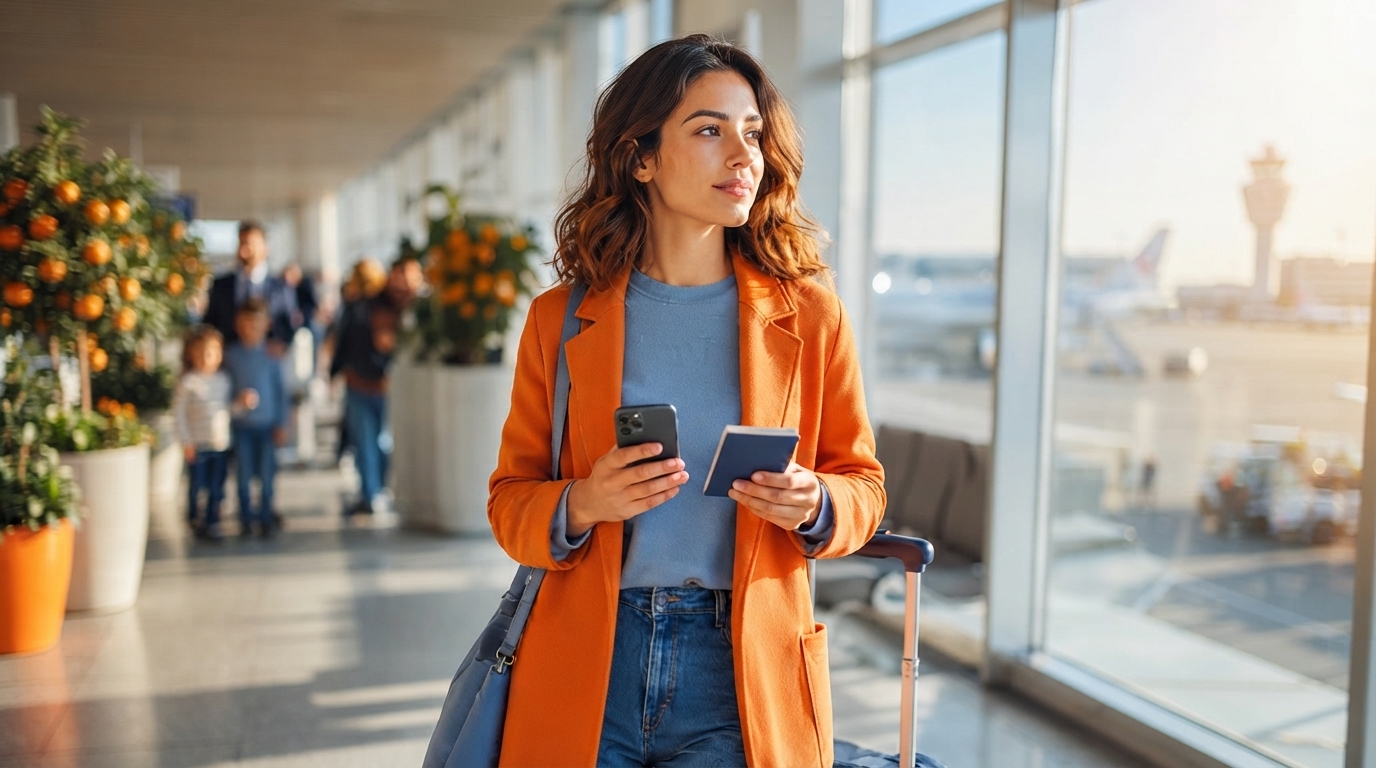
Travel Security & Scam Awareness: A Digital Safety Handbook for Tourists, Solo Travelers, and Business Trips
Travel brings new places, new routines, and new risks—especially around phones, payments, identity, and unfamiliar local norms. The goal isn’t to be suspicious of everyone; it’s to make scams harder to pull off and mistakes easier to recover from. The habits below focus on reducing the most common travel fraud patterns (distraction theft, fake “help,” tampered payments, and account takeovers) without making trips feel restrictive.
Start With a Simple Mindset: Reduce Opportunity, Increase Friction
Tourist-heavy zones and transit hubs are efficient hunting grounds for petty theft and social-engineering scams. A practical approach is to separate “high-value access” (banking, primary email, your main phone number) from “daily travel use” whenever possible—so one mishap doesn’t cascade into a full identity compromise.
Add friction on purpose: screen locks, spending limits, app alerts, and secondary cards slow down criminals even if a device or card is briefly exposed. Decide ahead of time what you will never share on the spot (one-time codes, passwords, passport photos, banking logins). When pressured, rely on a default script: politely decline, step aside, verify independently, then decide.
Before You Go: Digital Hardening and Paper Backups
The strongest travel security “upgrade” happens before departure. Update your operating system, browser, and critical apps at home on trusted internet—then avoid major upgrades mid-trip if stability matters (especially on work devices).
- Lock screens fast: use a strong passcode/PIN plus biometrics, with auto-lock set to 30–60 seconds.
- Turn on device finding: confirm location services, remote lock, remote wipe, and account recovery options work before you pack.
- Use a password manager: unique passwords reduce domino-effect breaches; add multi-factor authentication (authenticator apps are typically safer than SMS abroad).
- Create offline backups: print emergency contacts, and carry copies of passport/visa/insurance plus medical notes (allergies, conditions, prescriptions).
- Set bank safeguards: enable transaction alerts, lower ATM limits, and consider a dedicated travel card with a limited balance.
For official destination advisories and prep items (like local emergency numbers and entry rules), check the U.S. Department of State travel resources before you go.
On the Move: Airports, Stations, Rideshares, and Hotel Lobbies
Most travel losses happen in transition moments—when your attention is split. Secure your phone and wallet before stopping for directions; step out of foot traffic to avoid bump-and-grab theft. In busy terminals, unsolicited help at ticket machines or baggage areas should trigger verification: confirm using official signage, staffed desks, or the service’s app.
- Rideshare pickups: match license plate, driver name, and car model in the app; don’t accept “I’m your driver” claims without confirmation.
- Hotel check-in: keep documents in hand; don’t leave your passport or phone unattended on counters.
- Room safes: use them cautiously; for high-value items, the front desk safe deposit option (where available) can be better—especially if you need a formal record.
Public Wi‑Fi, Charging, and Bluetooth: Safer Defaults
Public Wi‑Fi is convenient, but it’s also where fake hotspots and traffic interception show up. Avoid logging into banking or primary email on public networks; use mobile data or a trusted hotspot when possible. Disable auto-join, forget networks after use, and verify the network name with staff to avoid lookalike SSIDs.
- Don’t install “required” certificates/apps pushed by captive portals; that’s a common route to device compromise.
- Charging: use a wall charger and your own cable; avoid unknown USB ports when possible (a charge-only adapter can help in a pinch).
- Bluetooth/AirDrop/Nearby Sharing: keep them off when not actively using them; set visibility to “Contacts Only” (or the closest equivalent).
For broader fraud patterns and prevention guidance across Europe (useful even if you’re not traveling there), see Europol’s scam and fraud information.
Common Travel Scams and Fast Countermoves
Quick Checks for High-Risk Moments
| Situation | Red flags | Safer move |
|---|---|---|
| Public Wi‑Fi login | Network name looks similar to venue; portal asks for extra app/certificate | Use mobile data; verify SSID with staff; never install certificates |
| ATM withdrawal | Loose card slot; people hovering; screen prompts feel unusual | Use bank-branch ATM; cancel and leave; cover keypad; use tap if available |
| Rideshare pickup | Driver approaches with your name but details don’t match app | Confirm plate/name in app; cancel and rebook; move to a visible pickup point |
| Street “help” or tours | High-pressure urgency; demands immediate payment; isolates you | Politely decline; step into a shop; verify through official info desk or app |
| Payment terminal | Card taken out of sight; unexpected extra fee; insists on currency conversion | Keep card in view; decline dynamic currency conversion; request receipt |
Solo Travelers: Boundaries, Location Sharing, and Situational Awareness
Business Trips: Corporate Data and Meeting-Ready Security
If Something Goes Wrong: A 20-Minute Response Plan
If identity information may be exposed, the FTC’s IdentityTheft.gov provides step-by-step recovery actions that can help prioritize what to do next.
Use the Handbook as a Trip Checklist
Helpful Digital Downloads (In Stock)
- Travel Security & Scam Awareness Guide | Digital Safety Handbook for Tourists, Solo Travelers & Business Trips ($10.99)
- Mindful Clarity: Journal & Prompts | Printable Journal with Daily Mindfulness Prompts ($23.99)
- Educational Storybook for Growing Minds | Kids eBook | Digital Download ($19.99)
FAQ
What are the 3 P’s of travel?
Plan: prep updates, backups, and an emergency contact list. Protect: lock devices, use MFA, and separate high-value accounts from daily travel use. Pay attention: verify “help,” confirm rides and payment totals, and step aside before handling money or your phone.
Is it safe to use public Wi‑Fi while traveling?
It can be risky, especially because fake hotspots and interception are common in tourist areas. Avoid banking and primary email on public Wi‑Fi, turn off auto-join, verify network names with staff, and rely on MFA plus mobile data or a trusted hotspot for sensitive logins.









Leave a comment